
Checkout
MLF Document Seller Usergroup Featured ! New !
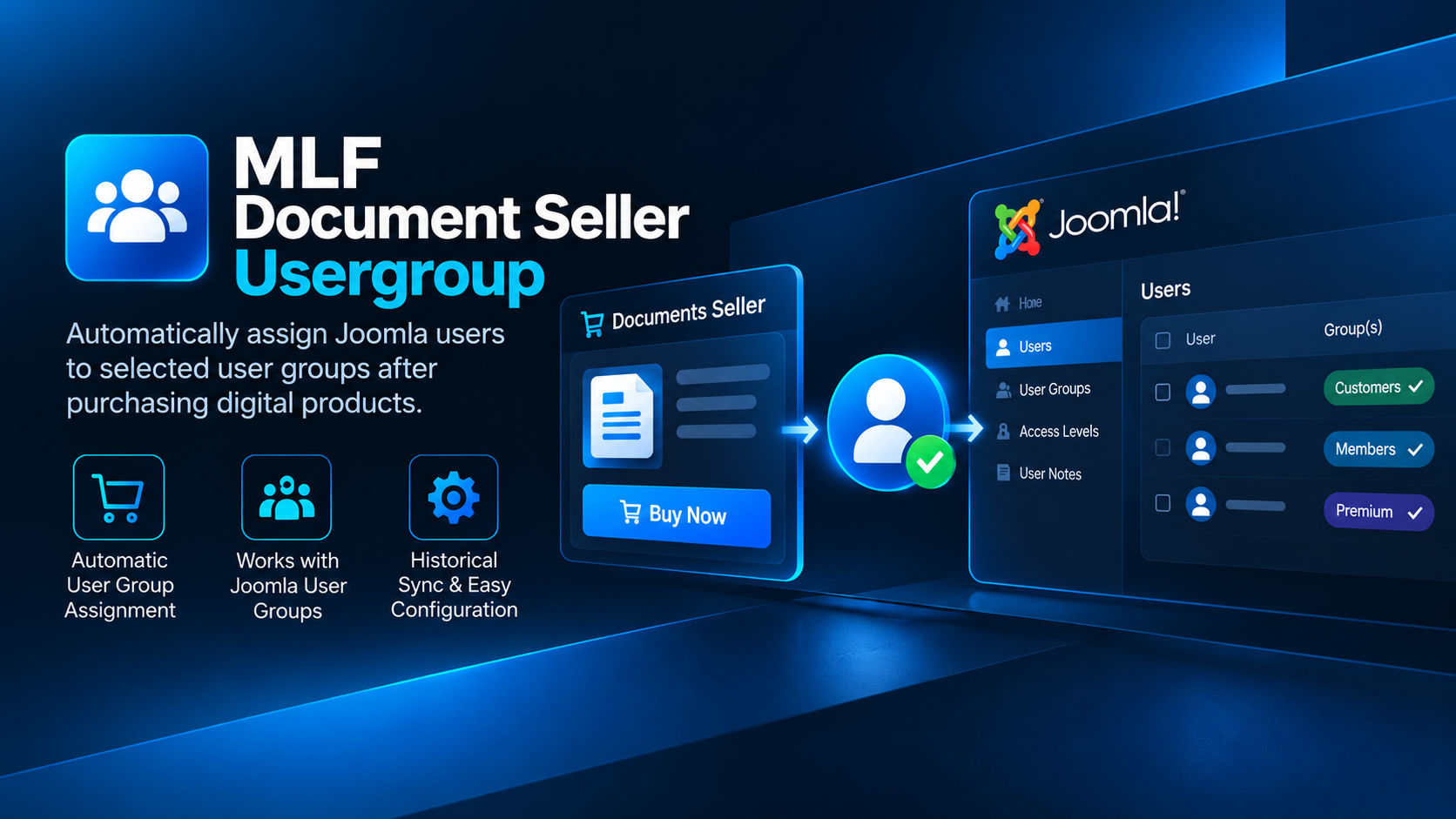
Automatically assign Joomla users to selected user groups after purchasing specific products through Documents Seller.
Automate Joomla user group assignments after purchase
MLF Document Seller Usergroup connects Documents Seller purchases with Joomla user groups, allowing customers to be automatically assigned to a selected user group after purchasing a configured digital product.
It is designed for Joomla websites where access to content, downloads, courses, membership areas or other restricted resources should be granted automatically after a Documents Seller purchase.
Key Features
- Automatically assigns customers to Joomla user groups after qualifying purchases
- Configure user group assignments for Documents Seller products
- Uses Joomla's native user group and access control system
- Reduces manual user administration after digital product sales
- Includes historical synchronization for existing purchases
- Designed for automatic ongoing operation after configuration
- Packaged as a standard Joomla installable extension
Perfect for restricted content and customer access
MLF Document Seller Usergroup is useful whenever purchasing a digital product should unlock additional Joomla permissions or content.
- Premium content areas
- Customer-only pages
- Online courses and learning materials
- Member resources
- Purchased product access
- Any Joomla content controlled through user groups and access levels
Automatic after configuration
Once a Documents Seller product and its corresponding Joomla user group have been configured, the extension handles future qualifying purchases automatically.
This removes the need to manually add each customer to the appropriate Joomla user group after completing a purchase.
Historical Sync
The included historical synchronization functionality can process existing purchase records and apply the configured Joomla user group assignments to eligible existing customers. This is especially useful when installing the extension on an already active Documents Seller website.
Built for Joomla
The extension works with Joomla's native user group system, allowing you to continue using standard Joomla access levels and permissions to control what your customers can access.
MLF Document Seller Usergroup is intended specifically for websites using Documents Seller. Documents Seller itself is not included with this extension.
Version Information
Version: 1.0.0
Developer: MYLIFEFACTORY
Extension type: Joomla Package
Requires: Documents Seller
Installation note: The download package contains an UNZIPMEFIRST folder with the individual Joomla extensions required for installation. Please see the Installation tab for the correct installation order.
Installation & Setup
MLF Document Seller Usergroup is distributed as a complete release package containing the main Joomla package installer, individual component files, documentation and verification information.
Do not upload the complete downloaded archive directly to the Joomla Extension Installer. Extract it on your computer first.
1. Extract the downloaded package
After downloading MLF Document Seller Usergroup, extract the main archive on your computer.
The package contains the following important folders:
INSTALL– contains the recommended complete Joomla package installerINDIVIDUAL_INSTALLERS– contains the component, library and plugin installers separately
2. Recommended installation
Open the INSTALL folder and locate:
pkg_dmsusergroups_1.0.0.zip
Log in to your Joomla Administrator and go to:
System → Install → Extensions
Upload and install pkg_dmsusergroups_1.0.0.zip. This is the recommended installation method and installs the required MLF Document Seller Usergroup extensions as a complete package.
3. Individual installers
The INDIVIDUAL_INSTALLERS folder contains the individual extension packages:
com_dmsusergroups_1.0.0.ziplib_dmsusergroups_1.0.0.zipplg_dms_usergroups_1.0.0.zip
These installers are provided for advanced installation, troubleshooting or maintenance purposes. For normal installations, use the complete package from the INSTALL folder.
4. Configure product mappings
After installation, open MLF Document Seller Usergroup in the Joomla Administrator.
Configure which Documents Seller products should assign customers to which Joomla user groups. Once configured, qualifying future purchases are processed automatically.
5. Historical Sync
If your website already contains previous Documents Seller purchases, run the included Historical Sync after configuring your mappings.
Historical Sync checks eligible previous purchases and applies the configured Joomla user group assignments where appropriate.
Included release files
The download also includes:
README_FIRST– important release and installation informationCHANGELOG.md– version history and release changesSHA256SUMS– checksums for verifying the integrity of the included installation files
Requirements
- A supported Joomla installation
- Documents Seller installed and configured
- Joomla Administrator access for extension installation and configuration
Important: Documents Seller is a separate third-party Joomla extension and is not included with MLF Document Seller Usergroup.