
Checkout
MLF Account Delete Featured ! Hot ! New !
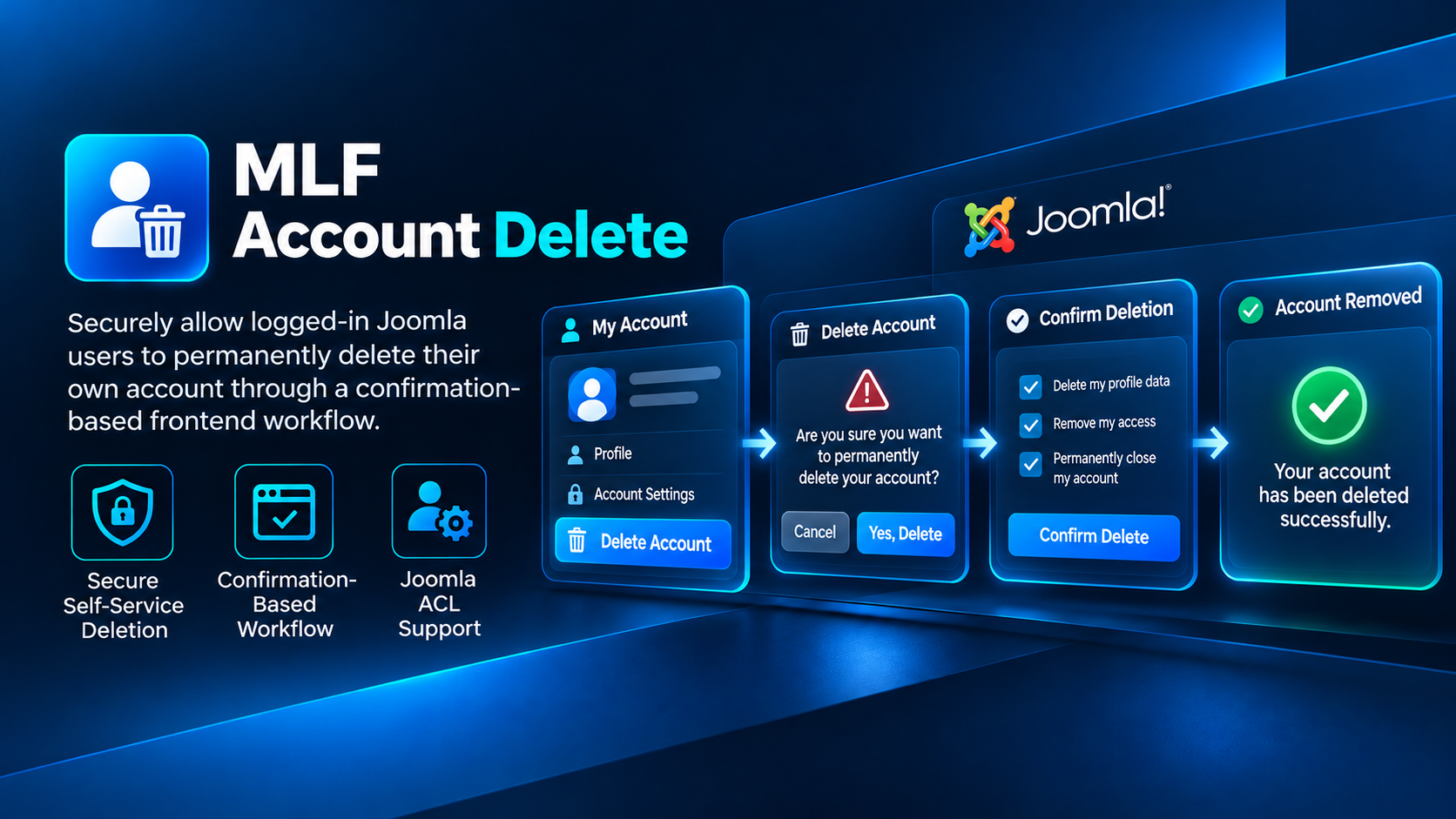
A secure Joomla extension that allows logged-in users to permanently delete their own account through a configurable confirmation-based frontend workflow.
Secure self-service account deletion for Joomla
MLF Account Delete allows logged-in Joomla users to permanently delete their own account through a controlled frontend workflow.
It provides a clear and user-friendly way to offer self-service account deletion without requiring administrators to manually process every request.
Key Features
- Allows logged-in users to permanently delete their own Joomla account
- Confirmation-based deletion workflow
- Designed to reduce accidental account deletion
- Configurable frontend messaging
- Configurable redirect after successful deletion
- Native Joomla ACL support
- Administrator configuration through Joomla
- No unnecessary external dependencies
A safer deletion workflow
Deleting a user account is a permanent action. MLF Account Delete therefore uses an explicit confirmation step before the account is removed.
This creates a much safer user experience than exposing a simple one-click delete action.
Built-in Joomla ACL
MLF Account Delete integrates with Joomla's native permission system, allowing administrators to control who can access and manage the component.
The included ACL support makes the extension suitable for both simple Joomla websites and more advanced installations with custom administrator roles.
Flexible frontend experience
Administrators can configure the frontend text and post-deletion redirect to better match the website's account or member area.
The account deletion page can therefore be integrated naturally into an existing profile, dashboard or account section.
Ideal for user-focused Joomla websites
MLF Account Delete is a useful addition to websites that want to give registered users direct control over their own account, including:
- Membership websites
- Online communities
- Customer portals
- Private user areas
- Subscriber platforms
- Joomla-powered mobile app websites
Version Information
Version: 1.1.2
Developer: MYLIFEFACTORY
Extension type: Joomla Component
Installation & Setup
1. Install the extension
Log in to your Joomla Administrator and open:
System → Install → Extensions
Upload the MLF Account Delete installer ZIP and complete the standard Joomla installation process.
2. Configure the component
Open MLF Account Delete from the Joomla Administrator and review the available component options.
Configure the frontend messaging and redirect behavior according to your website.
3. Review permissions
MLF Account Delete includes native Joomla ACL support.
Review the component permissions and ensure only the appropriate administrator groups can manage the extension and its settings.
4. Create the frontend menu item
Create a Joomla menu item for the MLF Account Delete frontend view.
For most websites, this page should be placed inside the user's account, profile or member area and restricted to logged-in users.
5. Test before launch
Before making the page available to your users, test the complete workflow with a dedicated test account.
Verify the confirmation process, account deletion and post-deletion redirect.
Important
Account deletion is permanent. Make sure your website's own privacy, data retention and third-party service policies are consistent with the account deletion functionality you provide to users.